By HRS Food · Published · Reviewed
How to compare sweet nutrition labels
Use per-100g figures to compare products on the same basis, then calculate the amount in the portion you will actually eat. A manufacturer’s suggested serving may differ from yours. Keep energy units, sugars and pack weight separate rather than comparing unrelated numbers on two wrappers. [1][2]

Why start with the per-100g column?
Two products may use different serving sizes. A figure for one small chocolate and a figure for a large handful of sweets cannot be compared fairly without adjusting the quantities. The NHS explains why the per-100g basis is useful.
Choose the nutrient you want to compare and use the same unit. Energy may be shown in both kilojoules and kilocalories; a larger kJ number is not directly comparable to a smaller kcal number as if they were the same measure.[1]
How do you calculate your own portion?
Multiply the per-100g value by your portion weight, then divide by 100. For an imaginary sweet containing 60g sugars per 100g, a 25g portion would contain 15g sugars. That is arithmetic, not the declared nutrition of an HRS product.
The same scaling works for a declared energy figure in its stated unit. Weigh the portion if you want a meaningful estimate; the number of pieces alone is not enough when sizes vary.[1]

Is one packet one serving?
Not necessarily. A packet can contain several suggested servings, and a multipack can contain several individually packaged units. Read the serving definition and the written net quantity before doing the calculation.
For example, a case of twelve bags is not one 12-piece serving. Case count, retail-bag weight and the amount you choose to eat are different quantities. Product listings should identify the purchase format, while the pack provides its nutrition basis.[2][1]
What the calculator can and cannot do
The calculator below scales a value you enter. Its starting numbers are illustrative; replace them with the current pack declaration. The result is only as appropriate as the input and your portion estimate.
It does not judge whether a food suits a medical condition, estimate nutrients absent from a label or turn a sugar-free claim into a calorie figure. For a particular dietary plan, use the guidance given for your own needs.[1]
The key differences at a glance
Try a portion calculation
Enter one nutrition value per 100g and a portion weight. Use the same nutrient and unit for the result; this is arithmetic, not a suggested portion.
The starting values are imaginary examples, not the nutrition of a linked HRS product.
| Number | What to use it for |
|---|---|
| Per 100g | Like-for-like product comparison |
| Per serving | The maker’s defined serving |
| Net weight | The quantity in the pack |
| Your portion weight | Your own scaling calculation |
Related examples at HRS Food
Use the per-100g and pack-weight information on these product formats to practise the calculation. The calculator’s starting numbers are imaginary and do not describe either linked product.
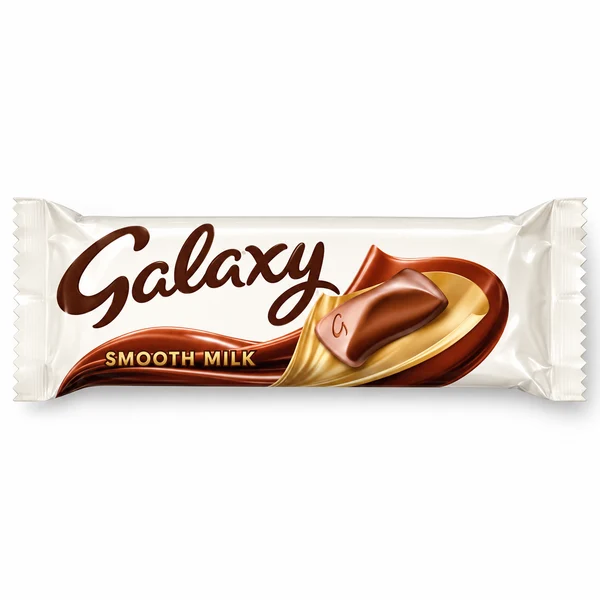
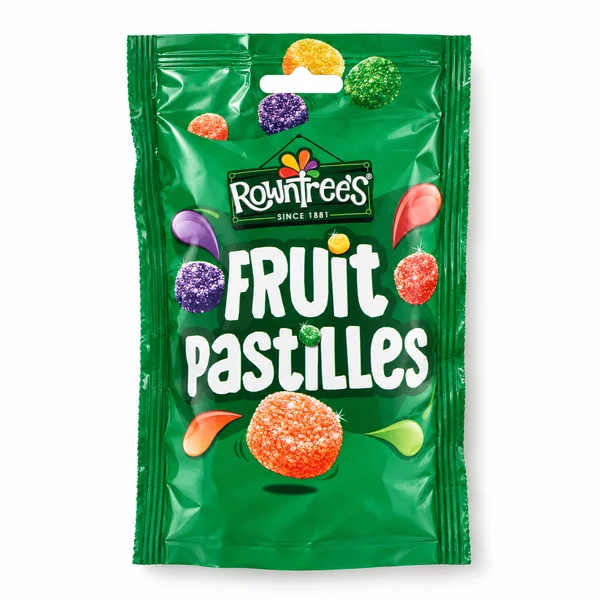
Quantities and ingredients belong to the exact listing and selected option. Check the current product page and physical pack for allergens, dietary information and storage.
Common questions
Should I compare kJ directly with kcal?
No. They are different energy units. Compare like with like.
Can I use the formula for energy too?
Yes, scaling the pack’s declared per-100g energy value in the same unit.
Are the calculator’s starting values product data?
No. They are imaginary examples and should be replaced with your exact pack’s figures.
Sources and editorial notes
Written and illustrated by HRS Food. Research reviewed on , using the references below and live HRS product listings. Recipe examples, study findings and legal label definitions are identified in context. These explanatory illustrations do not establish a brand’s private recipe. Where a rule or recipe can change, check the linked authority and current pack.